

What is Tenant Insurance through SingleKey?
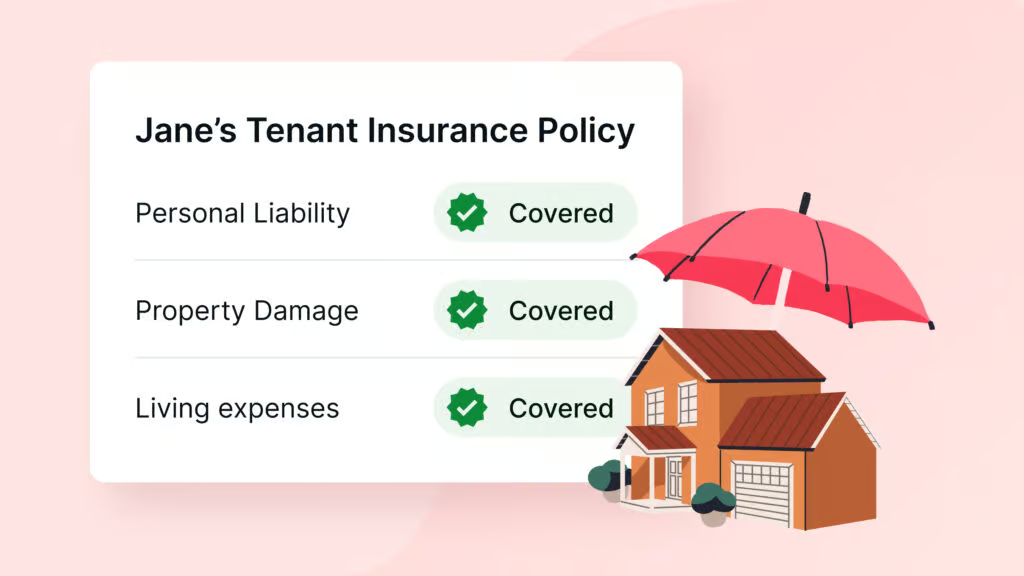
SingleKey lets you invite your tenants to sign up for a Tenant Insurance policy directly through the platform. You’ll receive automatic notifications whenever a tenant activates or cancels their coverage, so you always know where things stand.
Why should I use this feature?
For Landlords: Requiring tenant insurance helps protect you from liability. Instead of chasing tenants for proof of coverage, SingleKey keeps you in the loop with real-time notifications whenever a policy is activated or cancelled, which will give you peace of mind that your property is protected.
For Property Managers: You get all the same protection and visibility, plus a financial incentive. With SingleKey’s revenue-sharing program, you earn a portion of every policy your tenants purchase. It’s a simple way to reduce risk across your portfolio while creating an additional income stream for your business.
How do I invite a tenant?
It only takes a minute. Log in to SingleKey, click the “Tenant Insurance” tab, then select “Invite a Tenant.”

From there, enter or select your tenant’s name and rental unit address, then hit “Send Invite.” Your tenant will receive the invitation right away.

What happens after I send the invite?
Your tenant gets an email invitation to purchase a policy. Once they activate (or if they later cancel), you’ll be notified automatically so you can take action if needed.
