
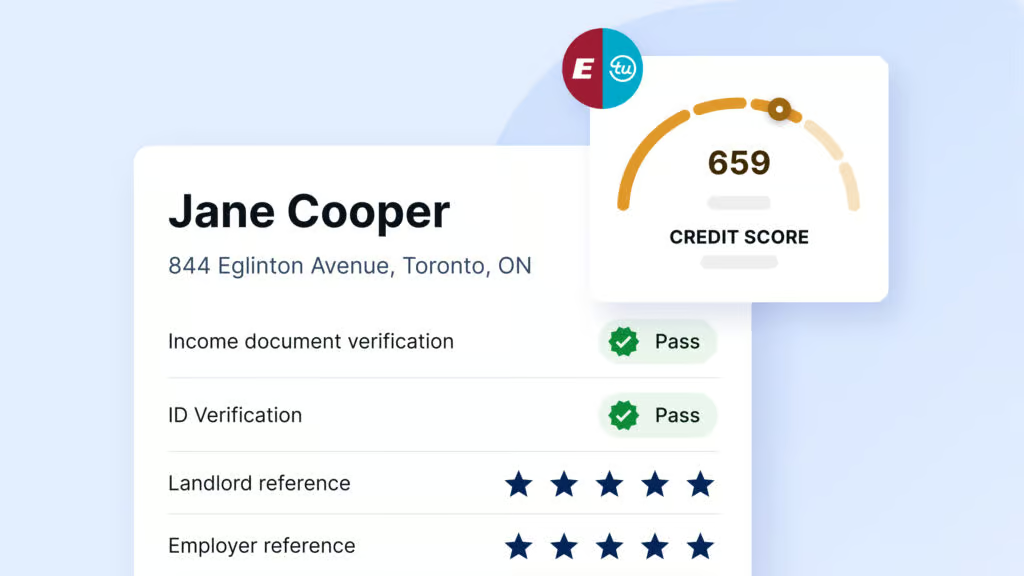

Made a typo in the property address? No problem! SingleKey lets you update rental unit details directly from your Tenant Report dashboard, even after a screening has been initiated.
STEPS TO UPDATE THE ADDRESS
-
Log in to your SingleKey account
Head to singlekey.com and sign in with your credentials.
-
Open the Tenant Report section
Click the Tenant Report header in your main navigation. This is where all your active and completed screenings live.
-
Find the tenant and open their options menu
Locate the tenant whose screening address needs updating. On the right-hand side of their name, click the ⋯ (three-dot) menu to reveal available actions.

-
Select “Edit rental unit details”
Click Edit rental unit details from the dropdown. You can then update the address and save your changes.


Still have questions? Our support team is happy to help! Feel free to reach out anytime through chat or email us at info@singlekey.com.