Create your Alberta lease online for free

SingleKey eLease is a free online lease builder for Alberta landlords. Add your rental and tenancy details, choose from optional clauses developed in consultation with RTDS, customize the terms, then send the completed agreement for e-signature. Free to create, send, and sign. No credit card required.

Secure e-signatures powered by

Create your Alberta lease online for free

SingleKey eLease is a free online lease builder for Alberta landlords. Add your rental and tenancy details, choose from optional clauses developed in consultation with RTDS, customize the terms, then send the completed agreement for e-signature. Free to create, send, and sign. No credit card required.

Secure e-signatures powered by

Trusted by Alberta landlords to manage & protect their rentals

1M+

Users trust SingleKey

1,000+

Leases signed monthly

Paralegal developed

Recommended lease terms

What should your Alberta lease agreement include?

Alberta doesn’t require landlords to use one standard residential lease form. eLease guides you through the details and terms to include and helps you build your agreement as you go.
info

Alberta requirement included: eLease adds the Residential Tenancies Act statement required for written Alberta tenancy agreements.

The right lease agreement for your Alberta tenancy

house

Built for Alberta rentals

Create an agreement that covers your rental details, tenancy type, rent, deposits, services and other terms.

today

Choose the tenancy type that fits your rental

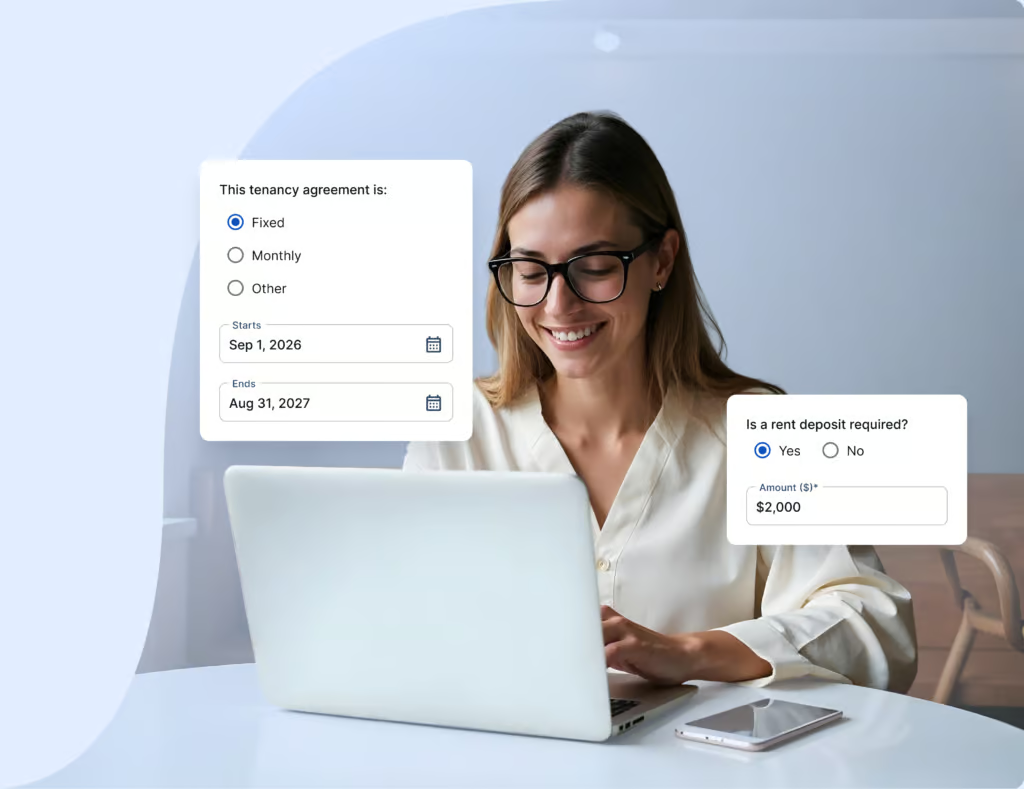
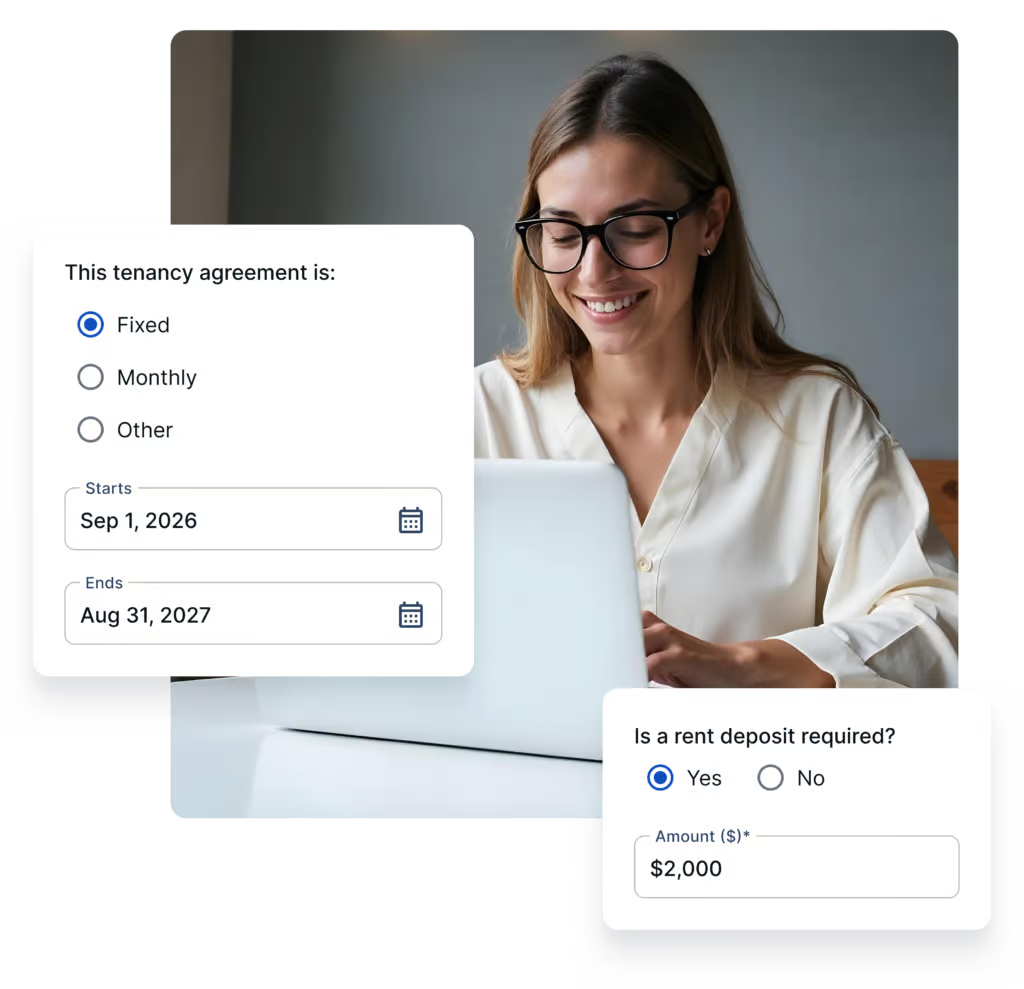
Set up a fixed-term or periodic tenancy with the dates and terms that apply.

computer

No forms to fill out manually

Answer simple questions about your rental and tenancy, and eLease builds your agreement as you go.

build

Customizable for your rental

Add RTDS-compliant clauses, your own terms, addenda and documents that apply to your rental.

verified_user

Stay on top of tenant insurance

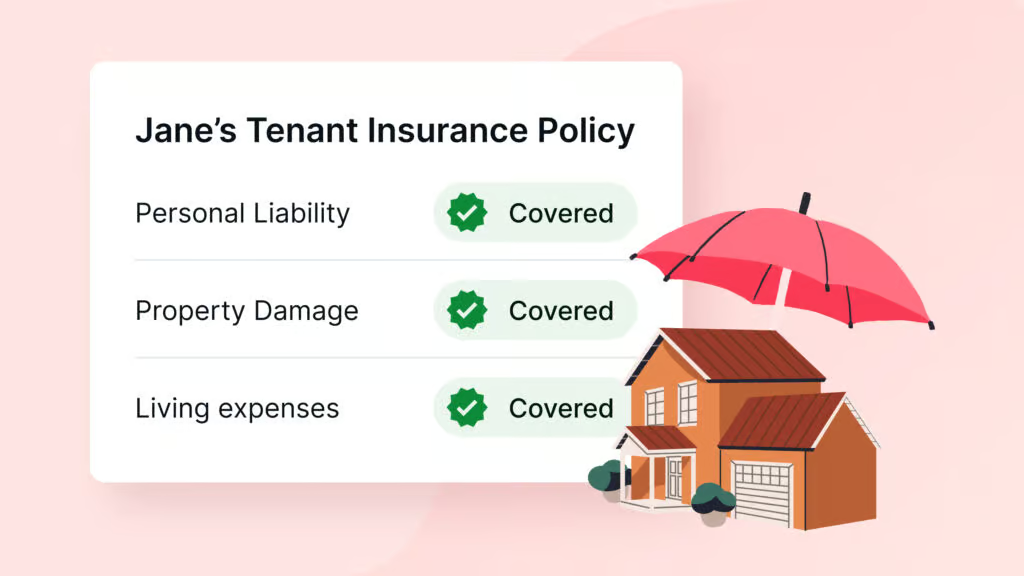
Collect proof of tenant insurance through eLease and stay on top of coverage throughout the tenancy.

cloud_done

Send, sign, and store online

Review your agreement, collect e-signatures and keep the signed copy in your SingleKey account.

How eLease works

Build your Alberta tenancy agreement in a few simple steps.

Build your Alberta lease

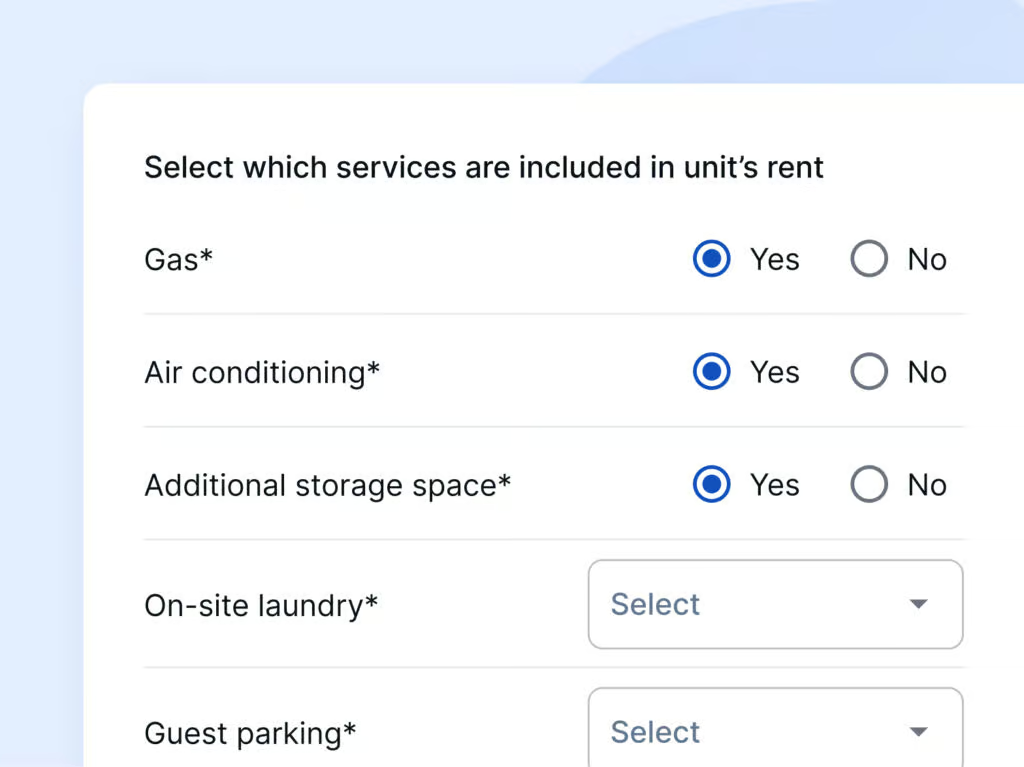
Add your landlords, tenants, rental property, tenancy type, rent, deposits, utilities
and other rental details.

Customize it for your tenancy

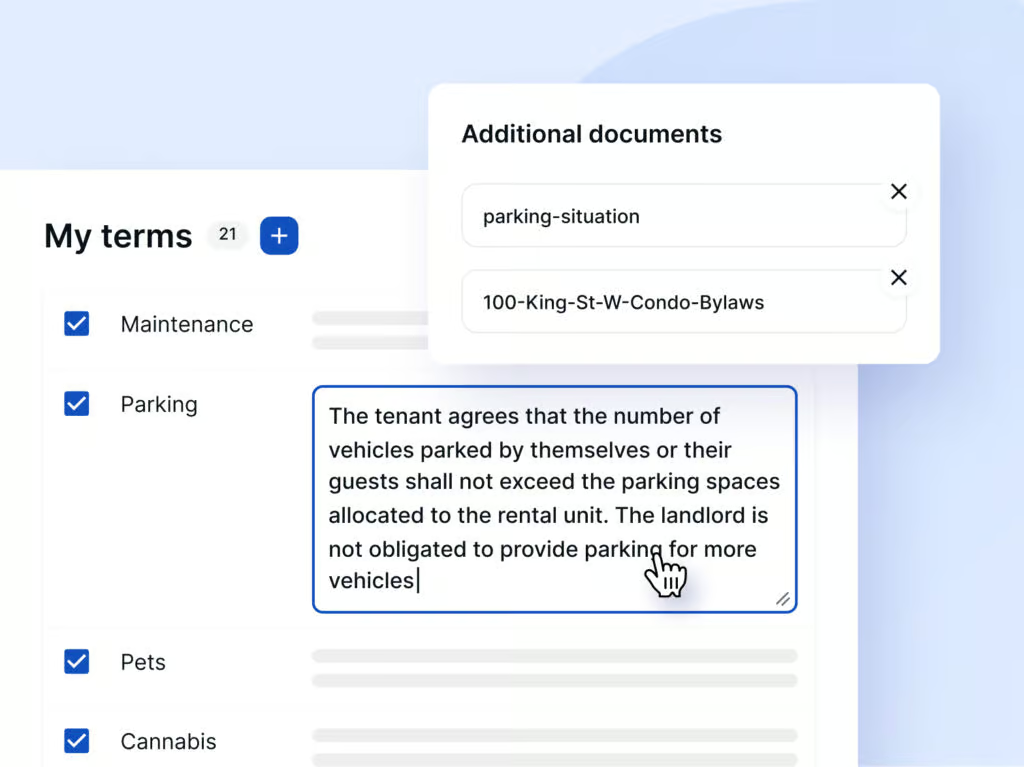
Choose recommended lease terms or add your own, attach documents and set your tenant insurance requirements.

Review, send, and sign

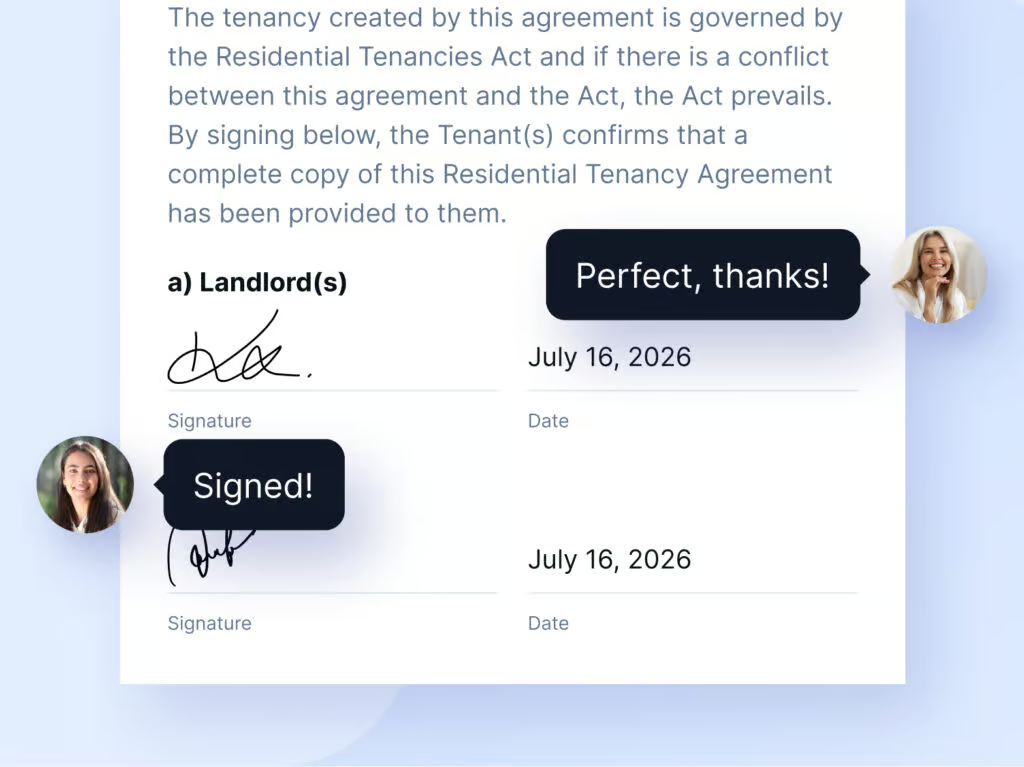
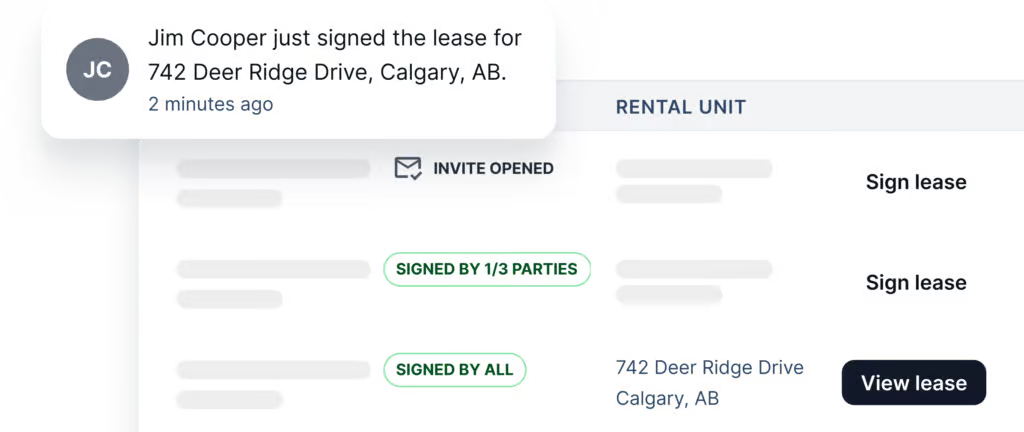
Review your agreement, send it for e-signature, track signing and access the completed agreement online.

Already have your own lease?

Upload your agreement to eLease and send it for e-signature.

Created a lease with SingleKey before?

Start from a previous lease and update what’s changed.

What to do after your Alberta lease is signed

Complete the remaining Alberta tenancy setup requirements.

1

Give your tenant a copy of the signed agreement

Provide a landlord-signed copy within 21 days after your tenant signs and returns the agreement.

2

Provide the Notice of Landlord

Provide the Notice of Landlord within seven days of possession. eLease includes it with your lease.

3

Complete the move-in inspection

Complete the required move-in inspection and document the rental’s condition at the start of the tenancy.

Where eLease fits in your rental process

SingleKey can support you across the rental journey, from finding the right tenant to setting up and protecting your tenancy.

description

Rental Application

Collect the details you need from prospective tenants with SingleKey’s online Rental Application.

person_search

Tenant Screening

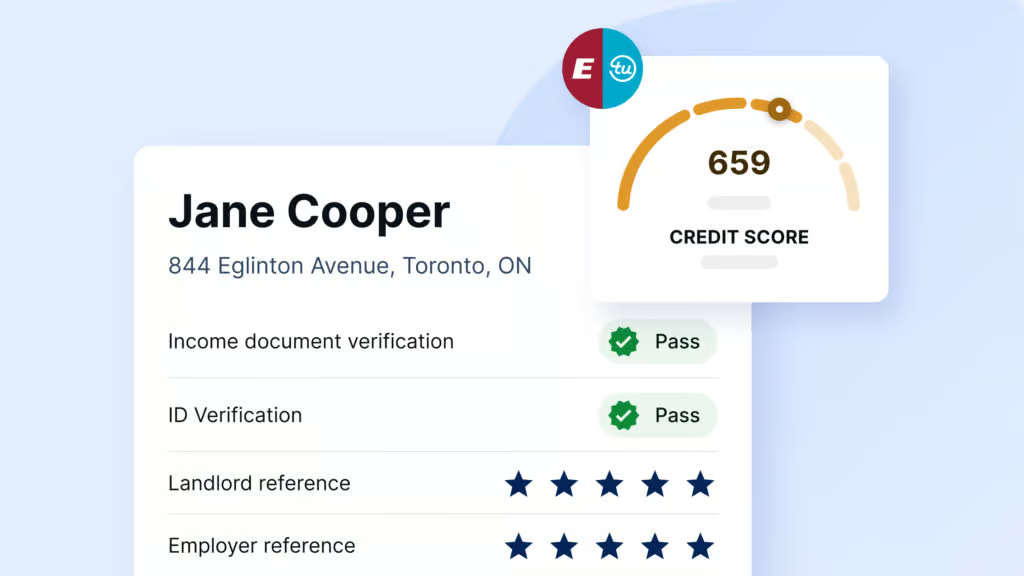
Verify credit, income, identity and background to get a clearer picture of each applicant.

edit_note

eLease + Tenant Insurance

Complete the Standard Lease, set your tenant insurance requirements and send the agreement for e-signature.

monetization_on

Rent Collection

Collect rent online with SingleKey Rent Collection and make your monthly payments easier to track.

verified_user

Rent Guarantee

Protect your rental income if your tenant stops paying rent or you face other covered losses.

Customer testimonials

Why Alberta landlords choose eLease

star star star star star 4.6 stars 1,000+ reviews
4.6 star 1,000+ reviews
Accredited | A Rating
SingleKey has become a genuinely useful tool for us.
Jason G.
SingleKey customer
eLease works well for standard leases.
Isaiah H.
SingleKey customer

Frequently asked questions

Alberta eLease FAQs

Yes. It’s free to create your lease, send it for signature and sign it, with no charge to your tenant and no credit card required to get started.
No. Alberta doesn’t require landlords and tenants to use one standard residential lease form, so eLease gives you a guided way to create a written agreement for your rental.
No. Alberta recognizes written, verbal and implied tenancy agreements, but putting the agreement in writing gives you and your tenant a clear record of the tenancy and the terms you’ve agreed to.

You can create:

  • Fixed-term: Set a specific start and end date for the tenancy. In Alberta, the tenancy generally ends on the end date in the agreement unless you and your tenant agree to continue it.
  • Periodic: Create an ongoing tenancy with no fixed end date. Month-to-month is the most common example.
  • Hybrid: Start with a fixed term, then continue the tenancy as a periodic tenancy.
eLease guides you through the information needed to create your Alberta tenancy agreement instead of leaving you to build one from scratch. You can customize your terms and documents, send the completed agreement for e-signature and keep the signed agreement in your SingleKey account.

eLease guides you through the key details of your tenancy, including:

  • Landlords, tenants and the rental property
  • Tenancy type and dates
  • Rent and payment details
  • Security deposits
  • Utilities and services
  • Maintenance responsibilities and other agreed rental terms
  • Additional terms, RTDS consulted clauses, and supporting documents

Your agreement should also include the Residential Tenancies Act statement required for written Alberta tenancy agreements.

SingleKey’s recommended terms are reviewed by RTDS experts for compliance. You can choose the terms that apply to your rental and edit them before sending your lease.
Yes. Choose from SingleKey’s recommended terms, edit them to fit your rental or add your own terms and addenda. Additional terms can’t conflict with or waive rights under Alberta’s Residential Tenancies Act.

Yes. Start from a previous SingleKey lease and update what’s changed instead of building another one from scratch.

Yes. Upload your existing lease to eLease, add the people who need to sign and send it for e-signature. From there, you can track who has signed and download the completed agreement once signing is finished.
You can edit your lease as long as it hasn’t been signed by everyone. Once you save your changes, the original signing request is cancelled and an updated lease is automatically sent to everyone for signature.
Yes. Your lease and signing information is encrypted when it’s sent and stored, and e-signatures are securely processed through Dropbox Sign with a tamper-evident audit trail for every signature.
Do tenants need a SingleKey account to sign? No. Tenants can create a SingleKey account or sign the lease as a guest.
Yes. The Notice of Landlord is included in your eLease. It provides your tenant with your physical Canadian address so they can serve you in the event of a dispute.

Yes. It’s free to create your lease, send it for signature and sign it, with no charge to your tenant and no credit card required to get started.

No. Alberta doesn’t require landlords and tenants to use one standard residential lease form, so eLease gives you a guided way to create a written agreement for your rental.

No. Alberta recognizes written, verbal and implied tenancy agreements, but putting the agreement in writing gives you and your tenant a clear record of the tenancy and the terms you’ve agreed to.

You can create:

  • Fixed-term: Set a specific start and end date for the tenancy. In Alberta, the tenancy generally ends on the end date in the agreement unless you and your tenant agree to continue it.
  • Periodic: Create an ongoing tenancy with no fixed end date. Month-to-month is the most common example.
  • Hybrid: Start with a fixed term, then continue the tenancy as a periodic tenancy.

eLease guides you through the information needed to create your Alberta tenancy agreement instead of leaving you to build one from scratch. You can customize your terms and documents, send the completed agreement for e-signature and keep the signed agreement in your SingleKey account.

eLease guides you through the key details of your tenancy, including:

  • Landlords, tenants and the rental property
  • Tenancy type and dates
  • Rent and payment details
  • Security deposits
  • Utilities and services
  • Maintenance responsibilities and other agreed rental terms
  • Additional terms, RTDS consulted clauses, and supporting documents

Your agreement should also include the Residential Tenancies Act statement required for written Alberta tenancy agreements.

SingleKey’s recommended terms are reviewed by RTDS experts for compliance. You can choose the terms that apply to your rental and edit them before sending your lease.

Yes. Choose from SingleKey’s recommended terms, edit them to fit your rental or add your own terms and addenda. Additional terms can’t conflict with or waive rights under Alberta’s Residential Tenancies Act.
Yes. Start from a previous SingleKey lease and update what’s changed instead of building another one from scratch.
Yes. Upload your existing lease to eLease, add the people who need to sign and send it for e-signature. From there, you can track who has signed and download the completed agreement once signing is finished.
You can edit your lease as long as it hasn’t been signed by everyone. Once you save your changes, the original signing request is cancelled and an updated lease is automatically sent to everyone for signature.
Yes. Your lease and signing information is encrypted when it’s sent and stored, and e-signatures are securely processed through Dropbox Sign with a tamper-evident audit trail for every signature.
No. Tenants can create a SingleKey account or sign the lease as a guest.
Yes. The Notice of Landlord is included in your eLease. It provides your tenant with your physical Canadian address so they can serve you in the event of a dispute.

Create your Alberta lease

Build your lease, add the terms you need and send it to your tenants for signature.