Screen tenants, protect rent, and manage your portfolio
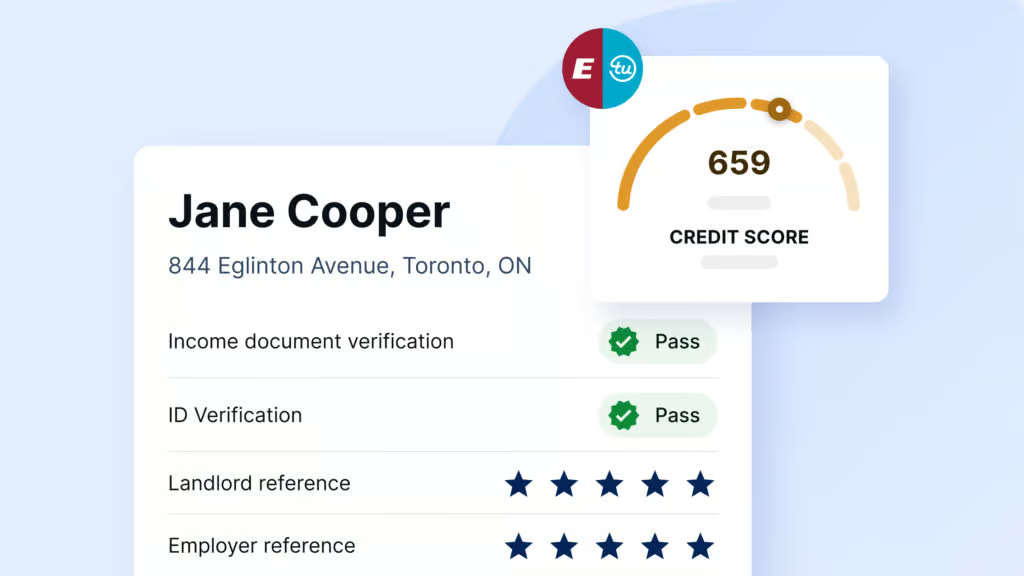
Credit, income, background, and eviction checks
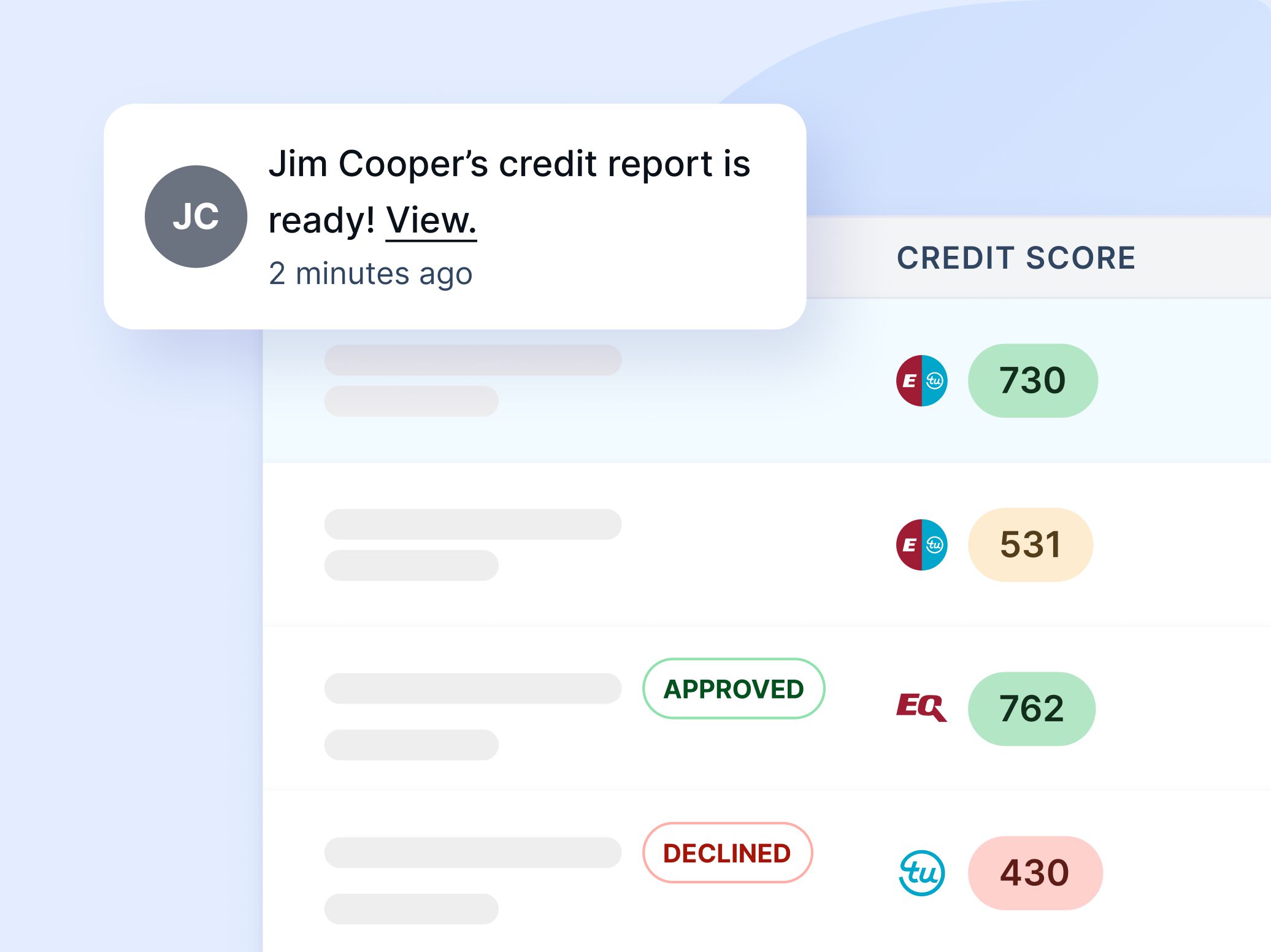
Approve more renters and fill vacancies faster
Screen tenants and protect your clients’ rental income
Credit, income, background, and eviction checks
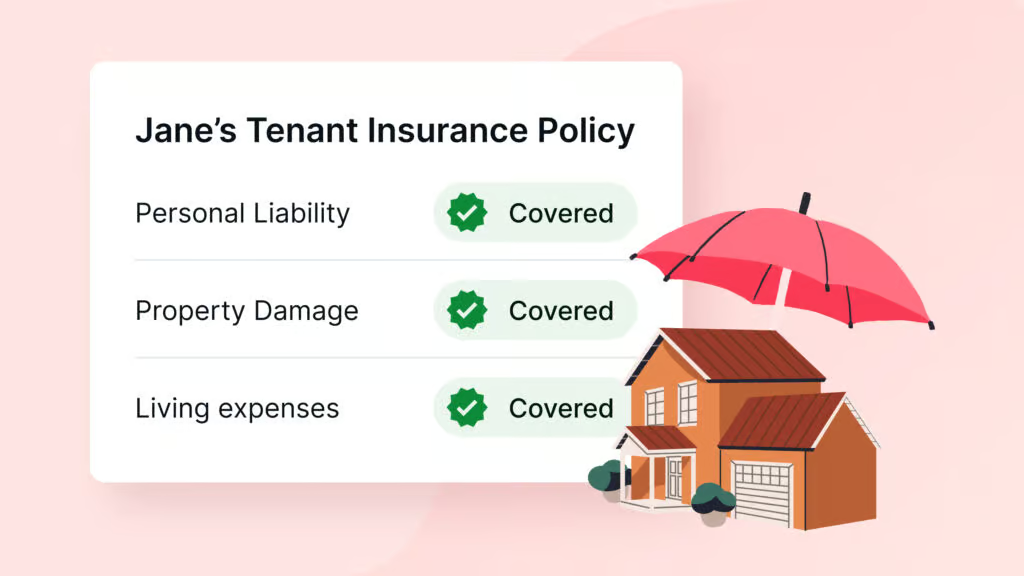
Protect clients against unpaid rent and damage
Explore rental market insights, tips, and guides
Download free lease templates for your province
Download free rental application forms
Check if an applicant’s income can cover rent
Understand rental laws in your province
Credit, income, background, and eviction checks
Protect against unpaid rent, damage, and eviction costs
Collect rent automatically via Interac or PAD
Create and sign leases online
Pre-screen applicants before scheduling viewings
Credit, income, background, and eviction checks
Protect against unpaid rent, damage, and eviction costs
Collect rent automatically via Interac or PAD
Create and sign leases online
Pre-screen applicants before scheduling viewings
Credit, income, background, and eviction checks
Protect against unpaid rent, damage, and eviction costs
Collect rent automatically via Interac or PAD
Create and sign leases online
Pre-screen applicants before scheduling viewings
Credit, income, background, and eviction checks
Protect against unpaid rent, damage, and eviction costs
Collect rent automatically via Interac or PAD
Create and sign leases online
Pre-screen applicants before scheduling viewings
A look at Canada’s average renter profile, affordability, and risk trends based SingleKey’s renter data.
Explore rental market insights, tips, and guides
Download free lease templates for your province
Download free rental application forms
Check if an applicant’s income can cover rent
Understand rental laws in your province
A look at Canada’s average renter profile, affordability, and risk trends based SingleKey’s renter data.
Explore rental market insights, tips, and guides
Download free lease templates for your province
Download free rental application forms
Check if an applicant’s income can cover rent
Understand rental laws in your province

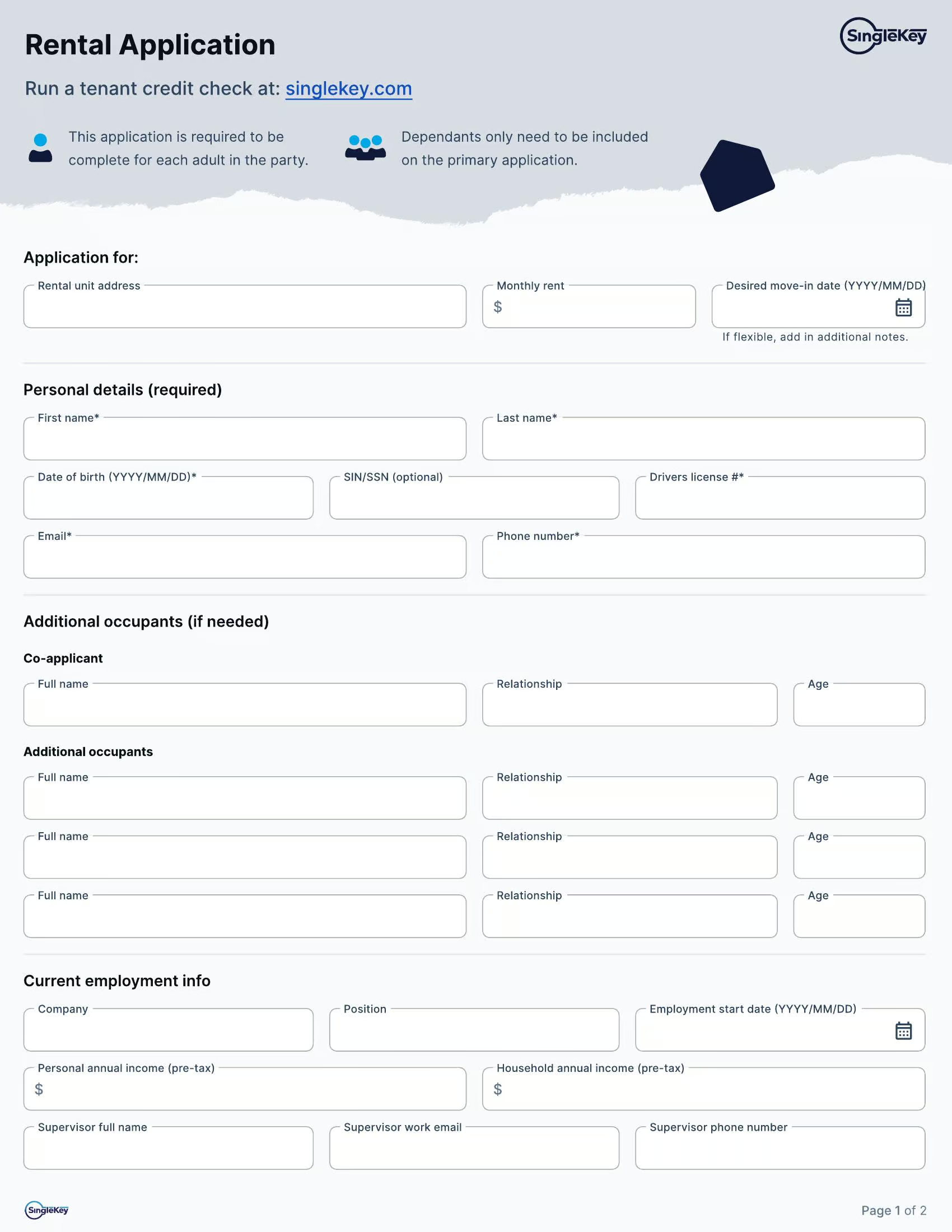
Use this free Ontario rental application PDF form to collect applicant details, rental history, employment information and references. When you’re ready to verify an applicant, SingleKey can help you run tenant screening and collect consent digitally.
Looking for OREA Form 410? Download it here.
Ontario landlords aren’t required to use a specific rental application form. You can use your own application or a template like SingleKey’s Ontario rental application or OREA Form 410 to collect information from prospective tenants.
Rental Application | Form 410 | |
|---|---|---|
| What it is | A comprehensive Ontario rental application covering rental, employment, income, household, reference and consent details | A standardized OREA rental application covering rental, employment, financial, reference and consent details |
| Best if you want | Key rental, employment and reference information, plus detailed household and income information without collecting bank account numbers or a SIN | Rental, employment and financial information collected through OREA’s standardized residential rental application |
| Income details | Annual and combined household income + confirmation of whether proof of income is provided | Employment income + financial obligations and associated monthly payment amounts |
| Household details | Other occupants, relationships, pets, smoking and vaping information | Other occupants, relationships, ages and pet information |
| Rental references | Rental history + landlord phone and email contact information | Rental history + previous landlord contact information |
| Sensitive information | Collects less sensitive information upfront, with no bank account numbers or SIN required | Collects additional sensitive information, including banking details and an optional SIN field |
An Ontario rental application is used to collect and review applicant information before you choose a tenant, while the Ontario standard lease is signed afterward to set the terms of the tenancy.
Completed by the applicant so you can review their details before deciding who rents the unit.
Signed once you’ve chosen a tenant to set out the rent, terms and responsibilities for the tenancy.
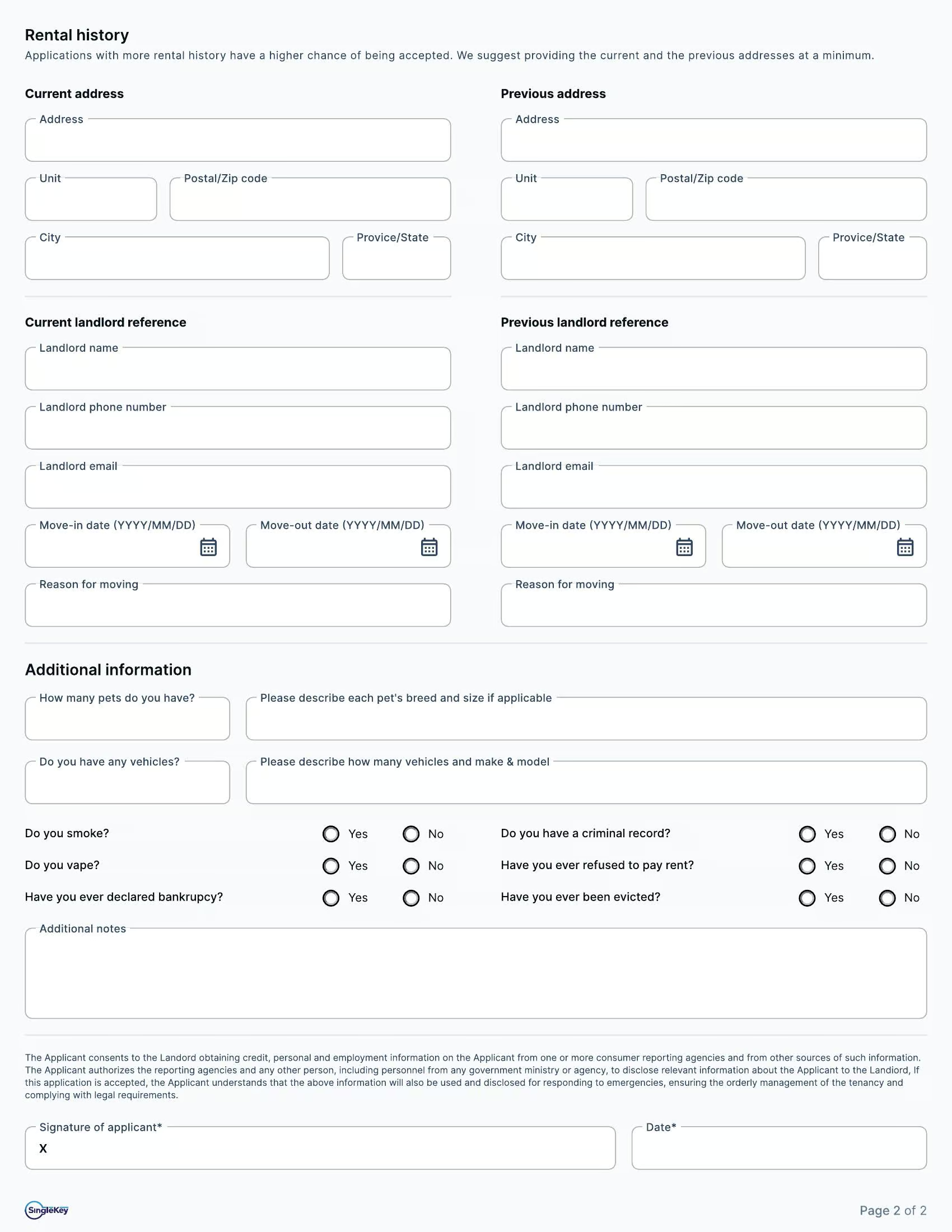
Each section of the form collects a different part of the applicant’s background, from contact details to rental history, employment and references.
Current and previous rental details.
Landlord, personal or professional references.
A rental application helps you collect applicant details, but it’s only one step in the rental process. Here’s what can happen before and after the application.
Ask early qualifying questions before sending a full rental application.
Download the rental application form and collect key applicant details.
Create and sign the lease online after you’ve reviewed and approved your rental applicant.
Once you’ve collected the application, verify the information provided before choosing a tenant. SingleKey can help you screen your applicant and create the lease when you’re ready to move forward.
An Ontario rental application form helps landlords collect information from someone who wants to rent their property. It typically covers contact details, rental history, employment and income information, references and consent for tenant screening.
No, there’s no legal requirement to use one, but most Ontario landlords do. It’s a practical first step that helps you gather the information you need before deciding whether to move ahead with screening and approval.
A good application collects everything you need to review a prospective tenant: contact details, current and past rental history, employment and income information, references, who will be living in the unit and written consent for screening or credit checks.
Once an applicant is approved, landlords can create and sign the lease online with eLease where available. Learn more about the difference between prescreening and rental applications.
Ontario’s Human Rights Code prevents landlords from asking about things like ethnicity, religion, citizenship status, marital status, whether the applicant has children, or whether they receive social assistance. Stick to questions that relate to the tenancy itself, like income, rental history and references.
Yes, as long as the applicant has given consent. Many landlords use the application to collect the essentials first, then run a tenant screening report to verify credit, income, identity and background before making a decision.
With SingleKey’s Tenant Report, landlords can choose an Equifax, TransUnion or Dual Credit Report and review credit information alongside income and employment details, references, public records, document checks and ID verification. This gives landlords a fuller view of the applicant before making a rental decision.
Yes. Just keep in mind that income works best as one factor among several, reviewed alongside rental history, references and credit. SingleKey’s Tenant Report includes income and employment verification as part of a full tenant screening.
Ontario rental applicants are not required to provide their Social Insurance Number, and landlords shouldn’t make it a condition of applying. Credit checks can be run without a SIN using the applicant’s name, date of birth and address history.
Every adult who will be signing the lease should complete an application, since each one may be screened individually. Occupants who won’t be on the lease, like minor children, only need to be listed in the occupant section.
An Ontario rental application form helps landlords collect the information they need from prospective tenants. It typically covers contact details, rental history, employment and income, references, and written consent for tenant screening — giving you a clear picture of an applicant before you decide whether to move forward.
No. There’s no legal requirement to use one, but most Ontario landlords do. It’s a practical first step that lets you gather the information you need before deciding whether to move ahead with screening and approval.
A good application collects everything you need to review a prospective tenant: contact details, current and past rental history, employment and income information, references, who will be living in the unit and written consent for screening or credit checks.
Once an applicant is approved, landlords can create and sign the lease online with eLease where available. Learn more about the difference between prescreening and rental applications.
Ontario’s Human Rights Code prevents landlords from asking about things like ethnicity, religion, citizenship status, marital status, whether an applicant has children, or whether they receive social assistance. Stick to questions tied directly to the tenancy — income, rental history, and references.
Yes, as long as the applicant has given consent. Many landlords use the application to collect the essentials first, then run a tenant screening report to verify credit, income, identity and background before making a decision.
With SingleKey’s Tenant Report, landlords can choose an Equifax, TransUnion or Dual Credit Report and review credit information alongside income and employment details, references, public records, document checks and ID verification. This gives landlords a fuller view of the applicant before making a rental decision.
Yes. Just keep in mind that income works best as one factor among several, reviewed alongside rental history, references and credit. SingleKey’s Tenant Report includes income and employment verification as part of a full tenant screening.
Ontario applicants aren’t required to provide their Social Insurance Number, and landlords shouldn’t make it a condition of applying. Credit checks can be run without a SIN using the applicant’s name, date of birth, and address history.
Every adult who will sign the lease should complete an application, since each one may be screened individually. Occupants who won’t be on the lease, such as minor children, only need to be listed in the occupant section.